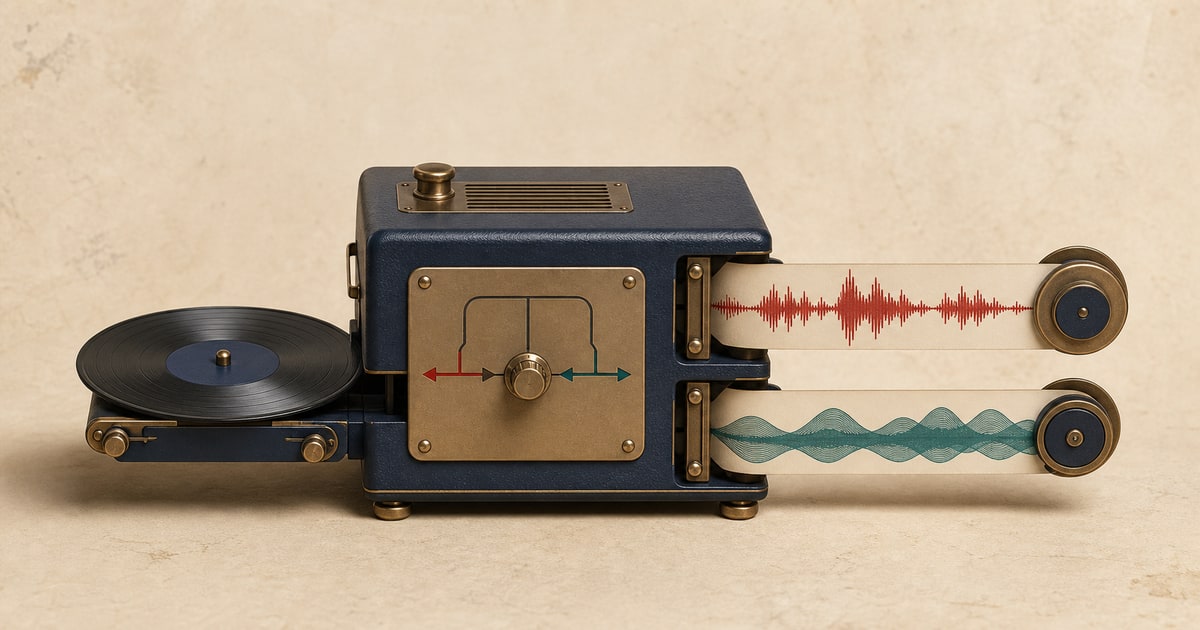
Stem separation turns one finished mix into individual audio tracks you can listen to, mute, study, or edit. A six-stem split is useful when vocals and accompaniment are not detailed enough for the job.
SpeakSwap separates one upload into vocals, drums, bass, guitar, piano, and other. The files remain synchronized, so they can be placed on separate tracks in an editor without manually realigning them.
Split a song into 6 stems from an audio or video file, or paste a supported video URL.
What the six-stem splitter creates
- Vocals
- Lead and backing vocal material detected in the mix.
- Drums
- Kick, snare, cymbals, percussion, and related drum sounds.
- Bass
- The main electric, acoustic, or synthesized bass part.
- Guitar
- Detected acoustic and electric guitar material.
- Piano
- Detected piano and closely related keyboard material.
- Other
- The remaining music, which can include synths, strings, effects, and instruments outside the named groups.
How to separate the audio
- Choose the separation type. Open the split a song into 6 stems page.
- Add the source. Upload a supported audio or video file, or paste a supported video URL.
- Run the separation. Keep the page open until the job is safely processing.
- Preview every output. Listen to the same section in each synchronized result before downloading.
- Download what you need. Save only the outputs you need, or keep them all for editing and comparison.
Useful ways to work with the result
Remixing and arrangement study
Mute, rebalance, or examine parts without first rebuilding the song from scratch.
Practice and transcription
Focus on one performance while lowering the parts that make it difficult to hear.
Sampling and creative edits
Test ideas with an isolated part before moving the files into a full production session.
What to check before downloading
- Listen at section changes, where instruments enter or leave the arrangement.
- Check quiet passages for faint bleed from louder neighboring instruments.
- Compare guitar and piano carefully when both occupy similar frequencies.
- Confirm all downloaded files start together before editing or remixing.
What source separation can and cannot do
Separation quality depends on the original mix. Use the preview to judge the specific song rather than assuming every recording will behave the same way.
- A finished mix does not contain the original studio tracks, so separated stems are estimates rather than recovered multitracks.
- Dense layers, heavy reverb, distortion, and instruments that overlap in pitch can cause bleed or artifacts.
- The other stem is intentionally broad and may contain several instruments that do not belong to the five named groups.
Only upload and use audio you own or have permission to process. Your right to separate a recording does not automatically grant a right to publish, sell, or distribute the resulting files.
Frequently asked questions
What are the six stems?
The outputs are vocals, drums, bass, guitar, piano, and other.
Are the stems synchronized?
Yes. The six outputs preserve the same timeline so they can be previewed together or imported into an editor.
Is this the same as having the original multitrack session?
No. Source separation estimates each part from the finished mix. Original studio tracks remain the cleanest option when they are available.
Can I upload video?
Yes. SpeakSwap accepts common audio and video files and separates the audio from the uploaded source.
Related stem separation tools
Remove or isolate drums · Remove or isolate bass · Separate vocals and accompaniment