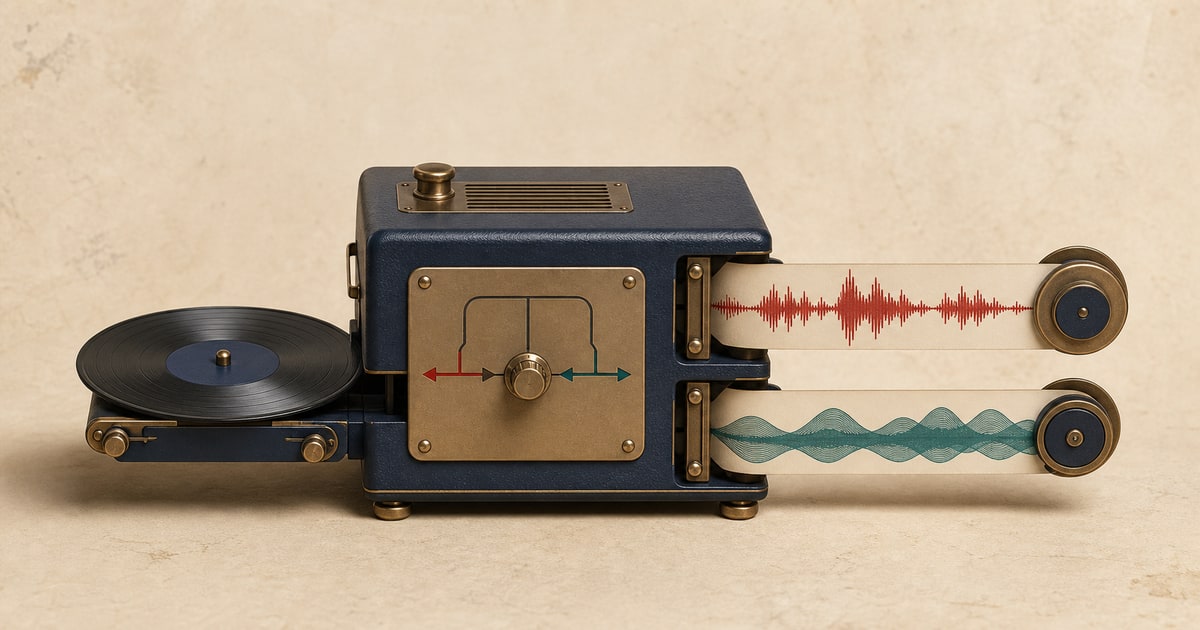
A drum remover separates a finished song into two synchronized files: the detected drum performance and an accompaniment mix without those drums. You can keep either output or download both.
This is a direct way to make a drumless practice track, study a performance, or prepare an audio file for further editing without manually filtering the mix.
Separate drums and accompaniment from an audio or video file, or paste a supported video URL.
What you get after drum separation
- Drums
- The isolated kick, snare, cymbals, percussion, and related drum material.
- Accompaniment
- Vocals, bass, and the remaining instruments with the detected drums removed.
How to separate the audio
- Choose the separation type. Open the separate drums and accompaniment page.
- Add the source. Upload a supported audio or video file, or paste a supported video URL.
- Run the separation. Keep the page open until the job is safely processing.
- Preview every output. Listen to the same section in each synchronized result before downloading.
- Download what you need. Save only the outputs you need, or keep them all for editing and comparison.
Useful ways to work with the result
Drumless backing tracks
Play your own drum part against the rest of the arrangement.
Learning fills and grooves
Hear timing details more clearly in the isolated drum output.
Remixes and rehearsal edits
Lower, replace, or process the drum part in an audio editor.
What to check before downloading
- Check cymbal tails and room reverb in both outputs.
- Listen for bass transients that may overlap with the kick drum.
- Review fills and breakdowns, where the drum texture changes quickly.
- Use headphones before committing the file to a performance or edit.
What source separation can and cannot do
Separation quality depends on the original mix. Use the preview to judge the specific song rather than assuming every recording will behave the same way.
- Live recordings and roomy mixes can place drum ambience across the full recording.
- Sharp transients from other instruments may sometimes enter the drum stem.
- Heavy compression and distortion can make the boundary between drums and accompaniment less distinct.
Only upload and use audio you own or have permission to process. Your right to separate a recording does not automatically grant a right to publish, sell, or distribute the resulting files.
Frequently asked questions
Do I receive both files?
Yes. The result includes a drum stem and an accompaniment track without the detected drums.
Can I use the accompaniment as a drumless backing track?
Yes. It stays synchronized with the original and is designed for practice, rehearsal, and editing.
Can the tool isolate percussion too?
Percussion is generally grouped with drums, although results vary with the instrument, arrangement, and mix.
Why can I still hear faint drums?
Reverb, microphone bleed, and frequencies shared with other instruments can leave traces in difficult mixes.
Related stem separation tools
Split a song into 6 stems · Remove or isolate bass · Isolate vocals from music