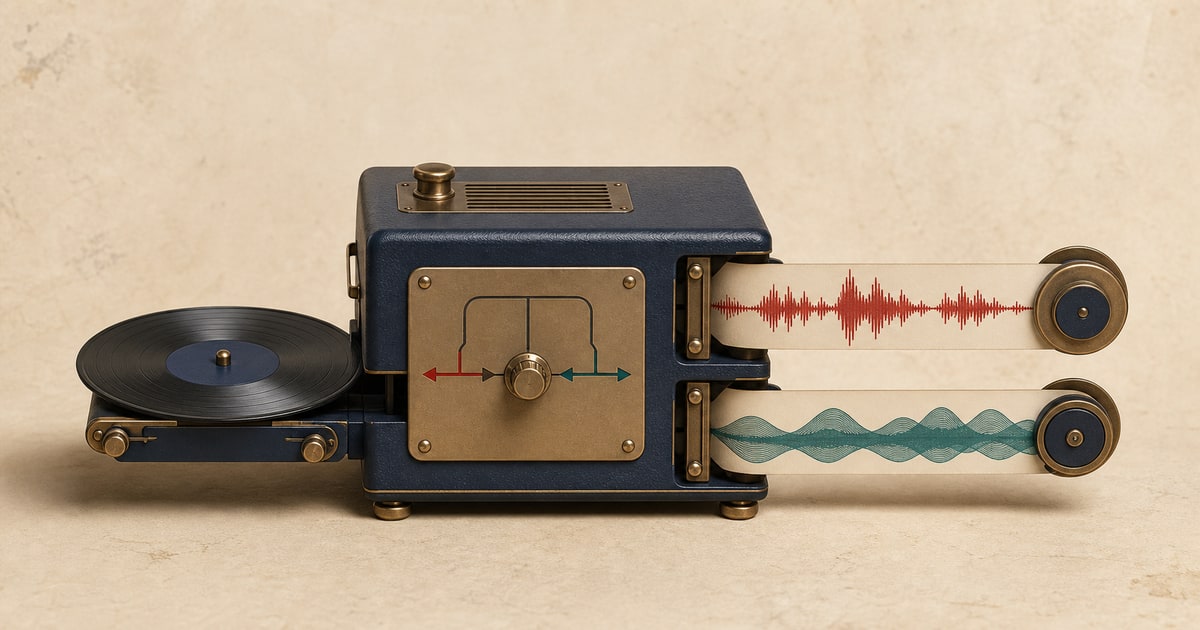
Bass separation creates an isolated bass stem and a synchronized accompaniment file without the detected bass part. It is useful when you want to learn the line, replace it, or play along with the rest of the song.
Unlike a simple low-cut filter, source separation attempts to identify the bass performance while preserving low-frequency material that belongs to drums and other instruments.
Separate bass and accompaniment from an audio or video file, or paste a supported video URL.
What you get after bass separation
- Bass
- The main detected electric, acoustic, or synthesized bass performance.
- Accompaniment
- Vocals, drums, and the remaining instruments with the detected bass removed.
How to separate the audio
- Choose the separation type. Open the separate bass and accompaniment page.
- Add the source. Upload a supported audio or video file, or paste a supported video URL.
- Run the separation. Keep the page open until the job is safely processing.
- Preview every output. Listen to the same section in each synchronized result before downloading.
- Download what you need. Save only the outputs you need, or keep them all for editing and comparison.
Useful ways to work with the result
Bass practice
Play along with a bassless version while keeping the original arrangement around you.
Learning and transcription
Focus on pitch, articulation, and note length in the isolated bass stem.
Arrangement experiments
Test a new bass part or rebalance the original in an editor.
What to check before downloading
- Listen where bass and kick drum strike at the same time.
- Check very low synth notes and distorted bass passages for bleed.
- Review quiet intros and outros where the bass may be less prominent.
- Compare the accompaniment against the original before recording a replacement part.
What source separation can and cannot do
Separation quality depends on the original mix. Use the preview to judge the specific song rather than assuming every recording will behave the same way.
- Bass and kick drums share low frequencies, so dense mixes can produce some crossover.
- Distorted guitars, low synths, and effects can be difficult to distinguish from the main bass part.
- The isolated file reflects what can be estimated from the finished mix, not the original studio recording.
Only upload and use audio you own or have permission to process. Your right to separate a recording does not automatically grant a right to publish, sell, or distribute the resulting files.
Frequently asked questions
Do I get a bassless version?
Yes. You receive an accompaniment track without the detected bass and a separate isolated bass stem.
Does it work for synth bass?
It can separate common synth bass sounds as well as electric and acoustic bass, but results depend on the mix.
Can I use the result to learn a bass line?
Yes. The isolated output can make notes and phrasing easier to hear, while the accompaniment is useful for playing along.
Why is part of the kick audible in the bass stem?
Kick and bass often overlap in frequency and timing, which can create some bleed in tightly layered mixes.
Related stem separation tools
Split a song into 6 stems · Remove or isolate drums · Separate vocals and accompaniment