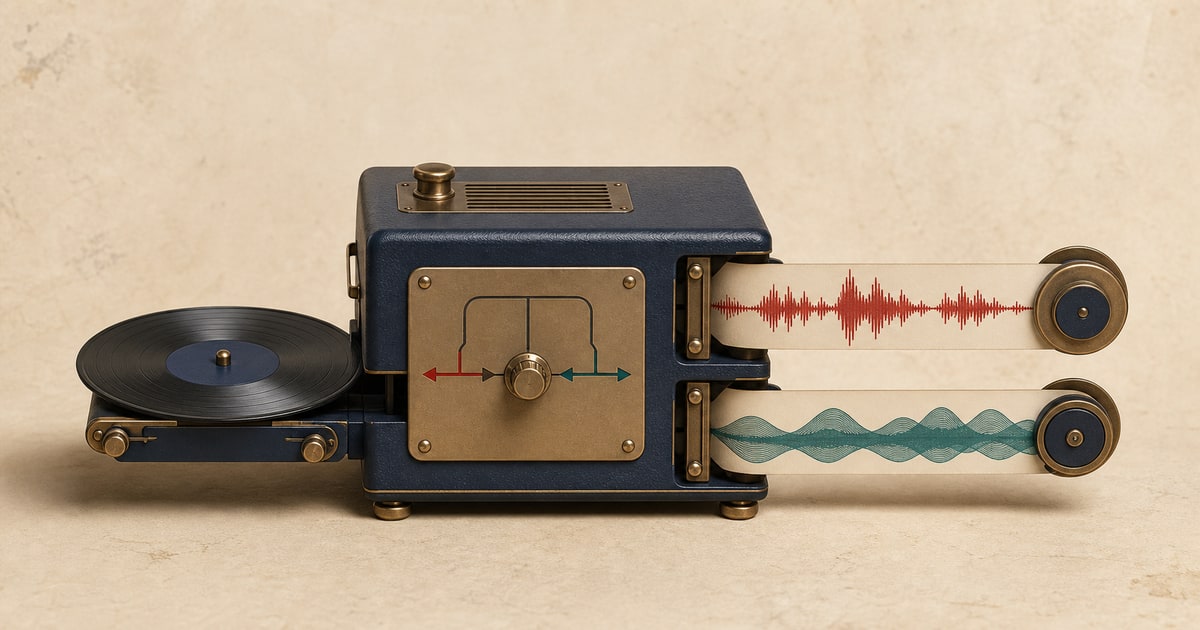
An instrumental remover separates a mixed song into the detected vocal performance and the instrumental music. It is the vocal-focused side of the same two-output separation used to make accompaniment tracks.
The result gives you both synchronized files, so you can keep the vocals, keep the instrumental, or compare them before downloading.
Separate instrumental and vocals from an audio or video file, or paste a supported video URL.
What you get after instrumental removal
- Vocals
- Detected lead vocals, with backing vocals often included in the same output.
- Instrumental
- The music bed containing drums, bass, and other instruments without the detected vocal.
How to separate the audio
- Choose the separation type. Open the separate instrumental and vocals page.
- Add the source. Upload a supported audio or video file, or paste a supported video URL.
- Run the separation. Keep the page open until the job is safely processing.
- Preview every output. Listen to the same section in each synchronized result before downloading.
- Download what you need. Save only the outputs you need, or keep them all for editing and comparison.
Useful ways to work with the result
Vocal study and transcription
Hear words, phrasing, harmonies, and performance details with less instrumental masking.
Remixes and edits
Move the vocal into an audio editor for timing, arrangement, or creative processing.
Reference and language practice
Focus on pronunciation or compare a vocal performance against its accompaniment.
What to check before downloading
- Check harmonies and doubled vocals as well as the main lead.
- Listen to long reverb tails at the end of phrases.
- Review sections with distorted guitars or bright synths near the vocal range.
- Compare quiet words and spoken passages against the original mix.
What source separation can and cannot do
Separation quality depends on the original mix. Use the preview to judge the specific song rather than assuming every recording will behave the same way.
- Lead and backing vocals may remain combined rather than becoming separate vocal tracks.
- Reverb and delay belong partly to the vocal and partly to the surrounding mix, which can create artifacts.
- Instruments that resemble the human voice can occasionally appear in the vocal output.
Only upload and use audio you own or have permission to process. Your right to separate a recording does not automatically grant a right to publish, sell, or distribute the resulting files.
Frequently asked questions
Is instrumental removal different from vocal removal?
The outputs are the same two parts, but the task is framed around keeping the isolated vocal rather than the accompaniment.
Do I also get the instrumental?
Yes. You receive separate vocal and instrumental files from the same job.
Are backing vocals separated from the lead?
Not necessarily. Lead and backing vocals may be grouped together in the vocal output.
Can I isolate speech over background music?
The tool can help when speech is mixed with music, although results depend on overlap, effects, and recording quality.
Related stem separation tools
Make a vocals and accompaniment split · Split a song into 6 stems · Remove or isolate drums