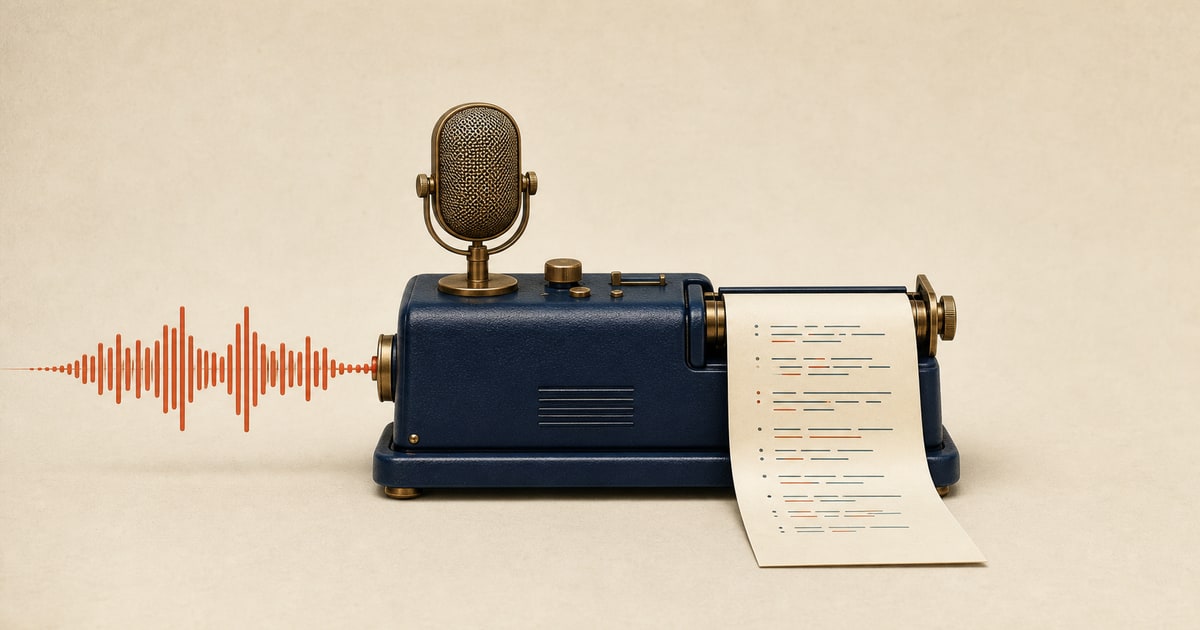
AI transcription has gotten remarkably accurate. Modern tools can convert audio to text in minutes — including timestamped segments, speaker labels, and subtitle export — at a fraction of the cost of human transcription. But the choice of tool depends heavily on what you're transcribing, how many languages you need, and how often you do it.
This guide compares five AI transcription tools on the factors that matter most: accuracy, language coverage, pricing model, free tier availability, and export formats (SRT, VTT, TXT, DOCX).
How we compared them
This comparison uses current public pricing, product documentation, free-plan rules, and published workflow details. Results vary by language, file, and input, so verify the vendor page and test a sample from your own content before buying.
AI transcription tools compared
| Tool | Pricing | Languages | Free tier | Best for |
|---|---|---|---|---|
| SpeakSwap | Best rate about $0.11/min with $99/month Scale; one-time packs from $6 | 100+ languages | Yes — free starter credits on signup | Video creators needing transcription + dubbing + translation in one platform |
| Otter.ai | Free (limited); Pro $16.99/mo | English-dominant | Yes — 300 min/month free | Meeting transcription and note-taking in English |
| Rev | AI: $0.25/min; Human: $1.50/min | 36+ languages (AI); English (Human) | No | High-stakes content needing guaranteed accuracy with a human fallback option |
| Happy Scribe | $0.20/min PAYG or Pro from $19/mo | 120+ languages | Yes — 30-min free trial | Subtitle-focused workflows needing SRT/VTT export and a review editor |
| Sonix | $10/hr PAYG (~$0.17/min), subscription from $25/mo | 53 languages | No | Bulk transcription of long-form interviews and podcasts with rich editing |
What makes a good AI transcription tool in 2026?
Modern AI transcription can produce a useful first draft on clear audio, but results still vary by language, recording quality, speaker overlap, and background noise. Compare tools by source-language coverage, pricing model, editing workflow, and export formats such as SRT or VTT.
For video creators who need to subtitle YouTube content, the most important features are SRT/VTT export, speaker timestamps, and support for the source language. For meeting transcription, real-time capture and speaker labels matter more. For bulk podcast or interview workflows, editor quality and automated post-processing matter most.
SpeakSwap — best for video creators and multilingual workflows
SpeakSwap — SpeakSwap offers AI transcription as part of a complete video localization platform. Submit a video URL and get a timestamped transcript you can export as SRT, VTT, or text — then feed it directly into subtitling, dubbing, or translation without switching tools.
The integration is the differentiator: transcription credits work alongside dubbing, TTS, and voice cloning from a single credit balance. For creators who regularly need to transcribe, subtitle, and translate the same content, this eliminates managing separate subscriptions for each step. With 100+ source languages and pay-as-you-go pricing, it is also the most accessible option for non-English content. Voice availability and output quality vary by language and source voice.
Key features
- AI transcription in 100+ source languages
- SRT, VTT, and TXT export with timestamps
- Pay-as-you-go — no subscription, no monthly minimum
- Credits shared across all tools (dubbing, TTS, voice cloning, vocal remover)
Otter.ai — best for meeting transcription in English
Otter.ai is purpose-built for real-time meeting transcription. It integrates with Zoom, Google Meet, and Microsoft Teams to capture live audio and generate searchable, shareable meeting notes with speaker identification. The free tier provides 300 minutes of transcription per month — more than most casual users need for occasional meeting notes.
The key limitation is language focus: Otter.ai is English-first, with limited support for other languages. It is not suitable for multilingual content or non-English YouTube videos. For English-language meetings, interviews, and note-taking, however, Otter.ai's real-time capture, speaker labels, and searchable archive make it one of the most practical tools available.
Rev — best when accuracy cannot be compromised
Rev offers two service tiers: AI transcription at $0.25/minute with same-day turnaround, and human-reviewed transcription at $1.50/minute reviewed by professional transcriptionists. The AI tier is accurate for most clean audio with a native speaker, but it is the human tier that distinguishes Rev from all competitors.
For legal proceedings, medical dictation, academic research, or broadcast captioning where every word must be correct, Rev's human review tier is the market standard. The $1.50/min price reflects the additional review layer. For standard content creator use cases where AI accuracy is sufficient, $0.25/min is competitive — but not the cheapest option for PAYG transcription.
Happy Scribe — best for subtitle-focused workflows
Happy Scribe is a transcription and subtitle platform with a browser-based editor that lets you correct transcript text while the audio syncs in real time. PAYG pricing at $0.20/minute makes it accessible for occasional users, and support for 120+ languages gives solid coverage of European and Southeast Asian content. The 30-minute free trial lets you test quality on your specific audio before committing.
The editing workflow is Happy Scribe's standout feature: corrections are fast, and SRT and VTT export is clean and well-timed. For podcast producers and documentary editors who need subtitle-ready output with minimal manual cleanup, it is one of the most efficient mid-price options available.
Sonix — best bulk transcription for long-form content
Sonix targets producers who transcribe long-form audio at high volume — interviews, podcasts, webinars, and lecture recordings. At $10/hour ($0.167/min) PAYG it is one of the cheaper dedicated options for longer recordings, and subscription plans from $25/month add an automated workflow builder that can trigger transcription, translation, and export on file upload.
The built-in text editor is Sonix's most-praised feature: it includes powerful find-and-replace, speaker labeling, and automated paragraph detection that produces clean, publication-ready transcripts with minimal manual editing. Language support covers 53 languages including Chinese, Japanese, Arabic, and Hindi, which is solid but narrower than SpeakSwap or Happy Scribe.
Which transcription tool should you use?
For meeting transcription and note-taking
Otter.ai is purpose-built for this — real-time capture, speaker labels, Zoom and Meet integration, and a generous free tier. Best for English-language meetings.
For video transcription and subtitle export
SpeakSwap or Happy Scribe. SpeakSwap integrates transcription with dubbing and translation in one platform, covering 100+ languages. Happy Scribe's editor streamlines subtitle cleanup for European language content. Try SpeakSwap transcription free →
For guaranteed accuracy on critical content
Rev Human at $1.50/min with 99%+ guaranteed accuracy and professional transcriptionist review. The only option with a human quality guarantee.
FAQ
How accurate is AI transcription in 2026?
No single accuracy rate applies to every recording. A fair comparison depends on testing the same clip and reviewing names, numbers, timestamps, and errors before choosing a tool.
Which AI transcription tool supports the most languages?
SpeakSwap supports 100+ source languages. Happy Scribe covers 120+. Sonix covers 53 languages. Rev AI handles 36 languages. Otter.ai is primarily English-only. For non-English video content, SpeakSwap and Happy Scribe offer the broadest coverage.
Can I transcribe audio for free with AI?
Yes. SpeakSwap gives free starter credits on signup with no credit card required. Otter.ai offers 300 minutes per month free. Happy Scribe includes a 30-minute free trial. Rev and Sonix do not offer free tiers.
What export formats do AI transcription tools support?
Most tools export TXT and DOCX for plain transcripts. For video subtitles, look for SRT (most widely supported) and VTT (for web video players). SpeakSwap, Happy Scribe, and Sonix all support SRT and VTT export. Otter.ai exports TXT and DOCX but does not generate SRT subtitle files.
Is pay-as-you-go or a subscription cheaper for occasional transcription?
At current published rates, SpeakSwap is about $0.11/min with the $99/month Scale plan, Happy Scribe lists $0.20/min pay-as-you-go, and Rev AI lists $0.25/min. SpeakSwap one-time packs remain available from $6. Compare the commitment, included volume, and whether unused credits fit your workflow.
Bottom line
For meeting transcription, Otter.ai's free tier and real-time capture are unmatched. For video creators who also need subtitles, dubbing, or translation, SpeakSwap's integrated platform eliminates the need to juggle separate tools. For guaranteed accuracy on critical content, Rev's human-reviewed tier is the market standard. Happy Scribe and Sonix are solid mid-range options for bulk subtitle and podcast workflows.
Try SpeakSwap transcription free → · How to Transcribe a YouTube Video · SpeakSwap vs Happy Scribe